
The JMGO N1S Ultra 4K Triple Laser Projector is a decent choice for the living room, but its excellent picture quality really should be supported by an Apple TV and better speakers.
A projector can deliver a more cinematic feel while watching movies at home. However, it’s never just the projector, as you also have to work on cutting light from coming through windows to get a better picture, let alone acquiring a screen.
Laser projectors have become one answer to the light issue, with models often producing an image in low-light situations that can thwart traditional projectors.
The JMGO N1S Ultra 4K projector is one example of a triple laser projector that can help reduce the need to block out all environmental light. However, it stops just barely short of being a great all-in-one home entertainment device.
JMGO N1S Ultra 4K Triple Laser Projector review: Physical design
The JMGO N1S Ultra is a very compact projector, measuring 11.5 inches long, 15.5 inches wide, and 8.6 inches in height. This is not far off other typical home projectors, but the height is in part due to its use of a gimbal stand.
The more modern approach to tabletop projectors, the feature allows the main body to swivel 135 degrees vertically, as well as rotate in a full circle horizontally. This is a lot more controllable than the adjustable feet of some other projectors.
There is a little bit of a confused design when it comes to connectivity. There are ports on the rear of the main box section, including two HDMI ports, a 3.5mm audio jack, and a USB 2.0 Type A as well.
The power cable, however, is attached to the gimbal section. This seems to have been a missed opportunity, as surely the other ports could have been attached to the gimbal section too.
Doing so would’ve made cabling up the projector a lot easier, instead of having to manage cables that can move around as you adjust the main projector box itself.
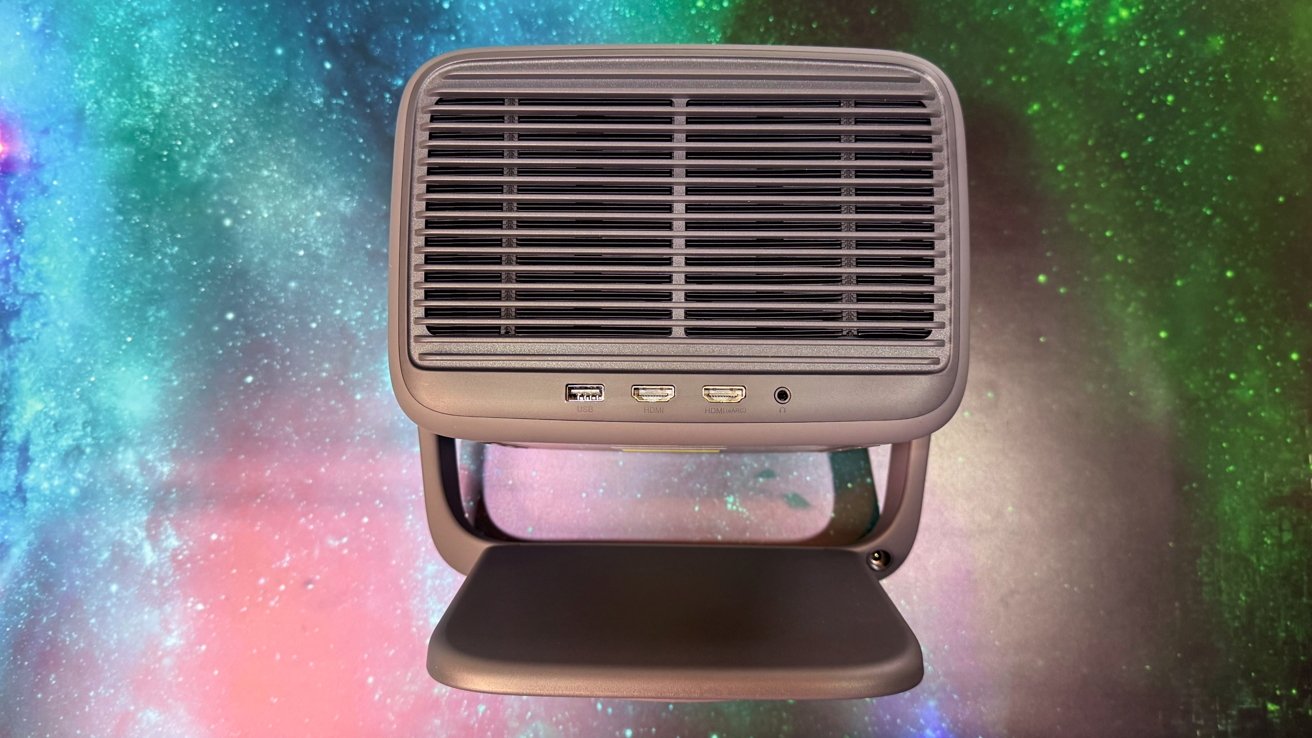
JMGO N1S Ultra 4K Triple Laser Projector review: A few ports on the back
At 9.9 pounds, it’s also not what you would consider light. It’s portable enough, but obviously it’s not something you’ll cart around everywhere.
It’s decidedly a living room piece, but it’s not too difficult to move it elsewhere in the home.
JMGO N1S Ultra 4K Triple Laser Projector review: Image
The main draw for the JMGO N1S Ultra 4K is its ability to throw the picture onto a wall or screen. JMGO has used what it refers to a Malc 2.0 Triple Laser Optics, which can output a 4K image at 2,800 lumens.
That’s also put out at a 1,600:1 FOFO contrast ratio, or a 3,000,000:1 dynamic contrast ratio, with 110% coverage of the BT.2020 color gamut and 1.07 billion colors.
That support means it can handle HDR 10 content, along with Blu-ray 3D. And it can project at a screen up to 300 inches in size, if you have enough room.
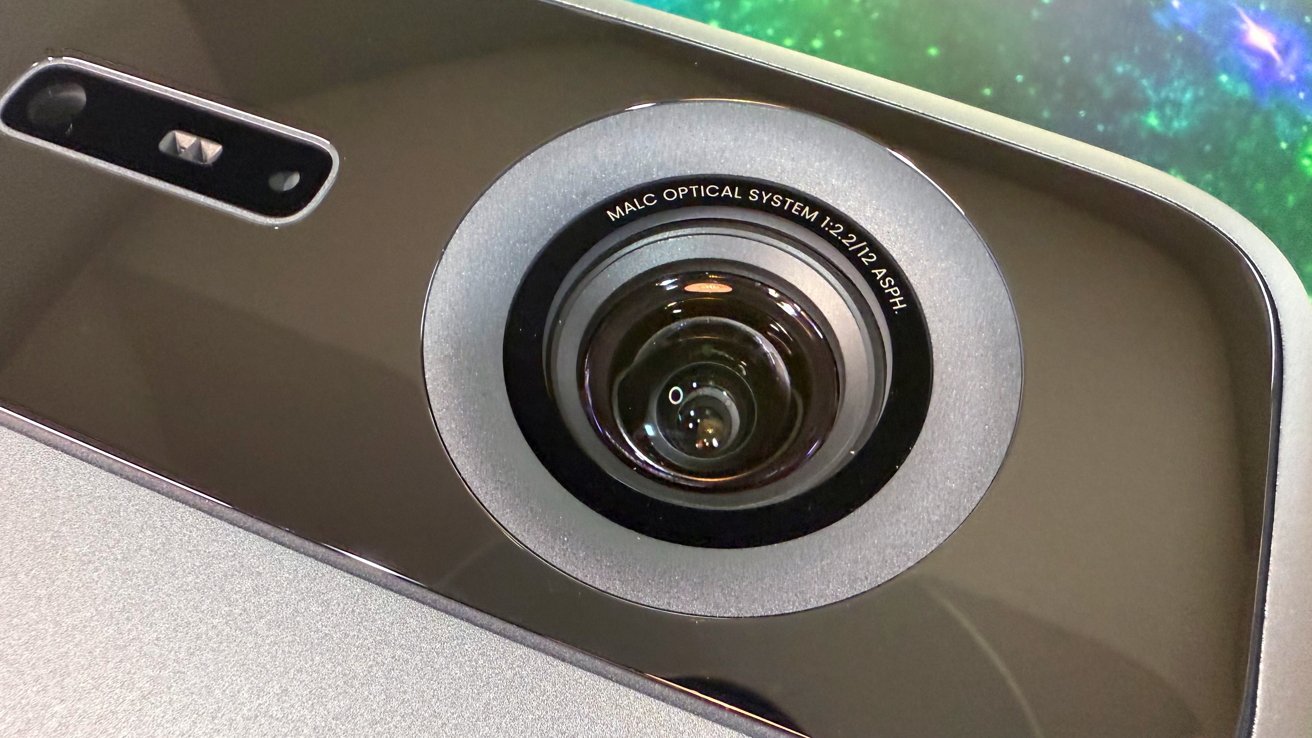
JMGO N1S Ultra 4K Triple Laser Projector review: The lens, and the sensor array
The sensor collection on the front is used to handle a number of features to make the setup quick and relatively painless. The list includes a 3D Time of Flight sensor and a CMOS high-precision camera, so it can work out how far away the screen is as well as things like screen corners, and other environmental obstacles.
That list includes automatic screen fitting with auto keystone correction. It can be set to work on a wall, automatically making sure that there isn’t anything getting in the way of the picture, and adjusting so you can see the entire screen.
There are also things like automatic eye protection, real-time autofocus, and brightness and wall color adaptation.
You don’t have an optical zoom to play with, but the automatic instant focus and screen management features work around that missing element sufficiently enough.
If it’s a projector destined for business use, you can take advantage of Office Picture Mode. It’s pretty nice to use it for presentations, especially since movie-focused projectors often have weird issues in that environment.
We used it both on a 125-inch diagonal screen designed for a projector, on the side of the house, and pointed directly down at a white table. Keystoning was easy to configure, and it took just minutes to perfectly align the screen with the projection angle. We were very happy with the image, blacks were better than we thought they’d be, and the color appeared true to the source material in all cases.
JMGO N1S Ultra 4K Triple Laser Projector review: Connections and Smart TV features
Viewing content can be done in a few ways, with the most obvious being the pair of HDMI 2.1 ports with eARC. If you have an external Blu-ray player, game console, or Apple TV, you can plug them in with little issue at all.
The USB 2.0 port is less useful for content viewing, but at least it’s a token effort for viewing locally stored content.
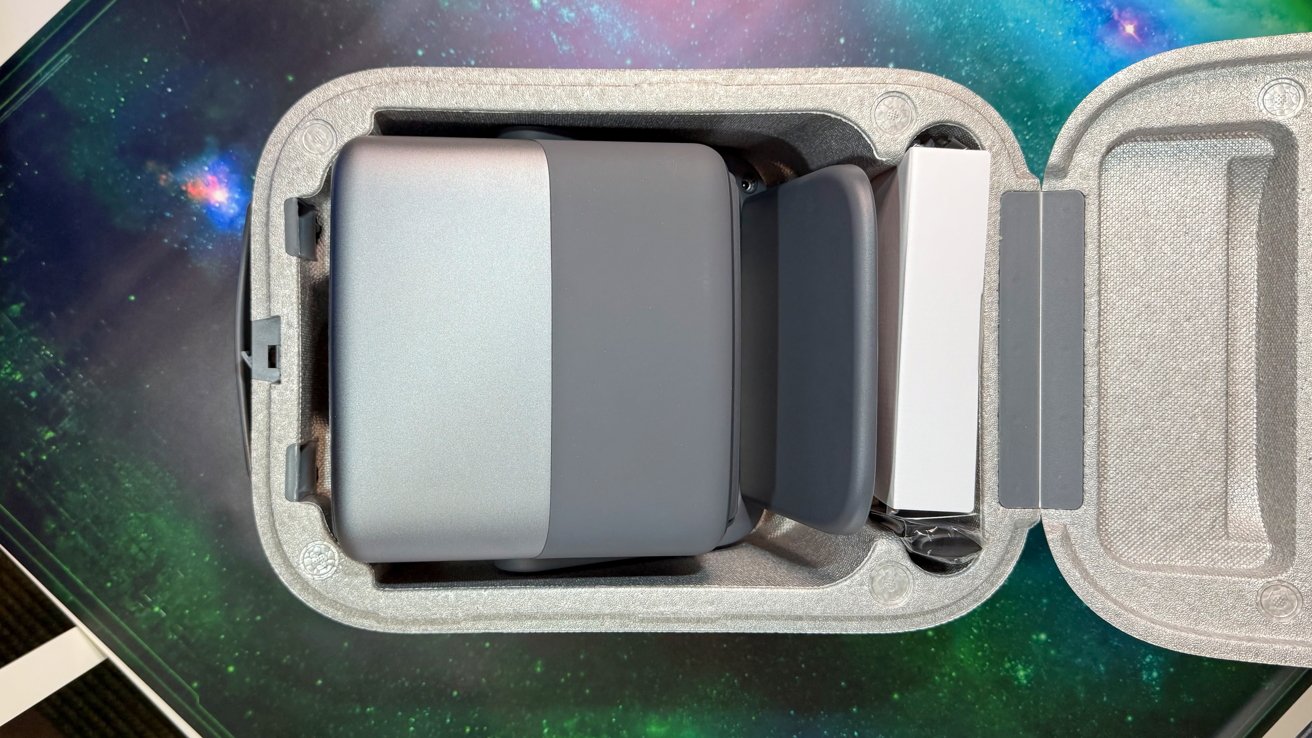
JMGO N1S Ultra 4K Triple Laser Projector review: It’s a compact projector
You don’t necessarily have to plug your own devices in, as there’s also smart TV functionality. Using Wi-Fi 6 and Bluetooth 5.1, it has built-in Google TV support.
That means you can use the plethora of streaming apps available for the platform or stream over Chromecast. The projector also happens to be officially licensed for Netflix.
However, the actual use of the smart TV functions is less than desirable. In part due to the use of the MediaTek MT9679, which drives the visual experience.
It’s just not powerful enough. And, Google TV is… just not great. It’s not responsive, and just doesn’t work well at all.
This isn’t the projector manufacturer’s fault, of course. We just recommend an Apple TV set-top box be paired with the unit instead.
JMGO N1S Ultra 4K Triple Laser Projector review: Audio
As a small tabletop projector, there are low expectations for the sound output. It does well, but it’s not massively cinematic.
It has dual 20W speakers with a 45Hz “Vibrant Bass,” along with support for DTS-HD, Dolby Audio, and Dolby Digital Plus.
This simply isn’t going to cut it with avid movie watchers, but it’s enough to work for the occasional family gathering. If you want better sound, you should bring in your own audio system, especially if you have a home cinema speaker system on standby.
Using a soundbar would give a better audio experience. Or, if you have the Apple TV in use, a pair of HomePods in low-latency mode.
JMGO N1S Ultra 4K Triple Laser Projector review: Set and forget, but needs some support
As a standalone projector, the JMBO N1S Ultra 4K offers quite a lot of usability. The picture is great and bright, and easily manageable with its smart features.
However, beyond that, it’s a case of the projector including other features to be complete, but not necessarily in a great way.
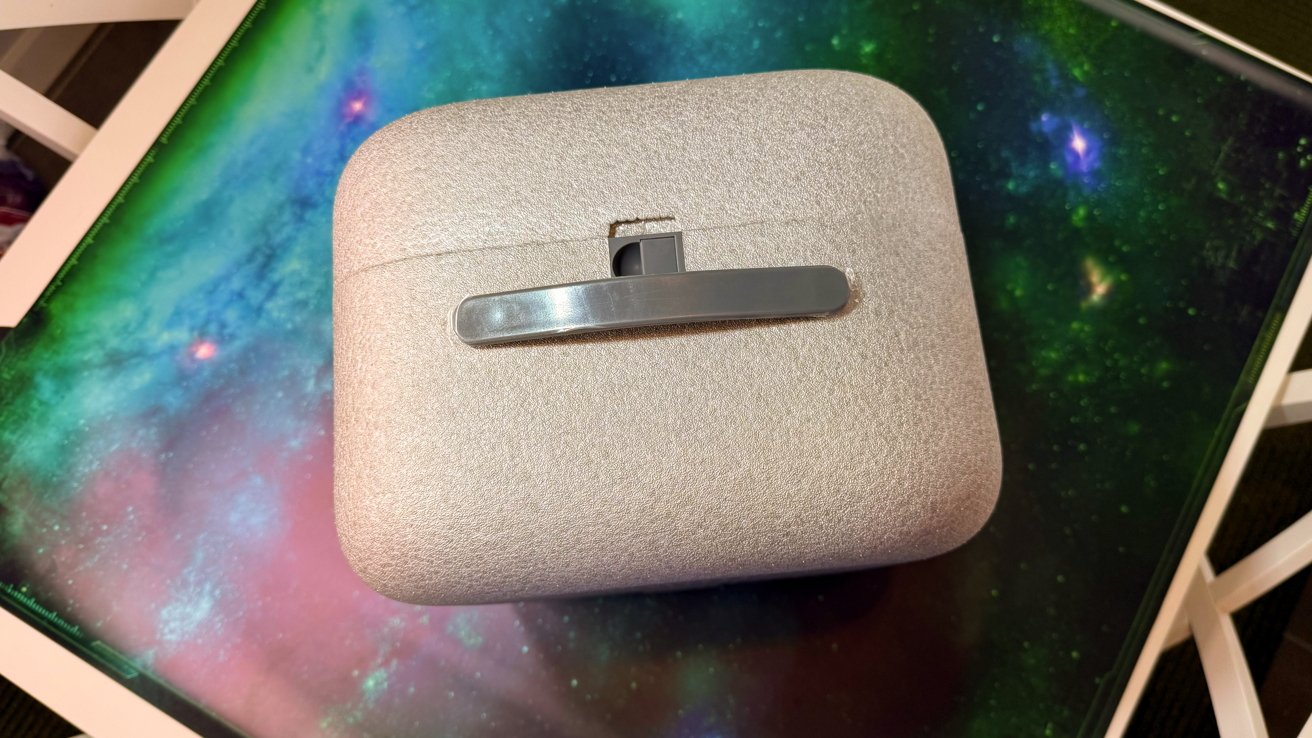
JMGO N1S Ultra 4K Triple Laser Projector review: Packed in the box
Standalone smart TV functionality is an attractive feature, but it’s a bit clunky and should be considered only if no other sources are available. As a permanently set-up projector, the inclusion of two HDMI ports seems a little mean, too, let alone the lack of Ethernet.
Audio-wise, a 20W dual speaker system cannot compete with separate speakers. Again, it’s a case of using them when other audio options simply aren’t available.
If you include it as part of an existing home cinema system, the picture quality helps earn the JMGO N1S Ultra’s place in the setup. We just want Google TV to be better, since it’s getting included on just about every projector we use, and it lets down otherwise great hardware.
JMGO N1S Ultra 4K Triple Laser Projector review: Pros
- Picture quality and smart features
- Works as a standalone entertainment system
JMGO N1S Ultra 4K Triple Laser Projector review: Cons
- Speakers aren’t fantastic, use a sound bar instead
- Onboard smart TV features are underwhelming
Rating: 4 out of 5
Overall, I like the JMGO N1S Ultra. It’s a fun and attractive projector that does what it says it will do, and it does it pretty well.
The decision to have the ports on the speaker body and not on the base is a little puzzling, as that would make the adjustment stand far more practical than it is.
Where to buy the JMGO N1S Ultra 4K Triple Laser Projector
The JMGO N1S Ultra is currently available for $1,699.
Trending Products

Apple iPhone 12 Mini – Parent...
Apple iPhone SE 2nd Gen – Par...

Apple iPhone 7 32GB Unlocked AT&...
Apple iPhone 14 – Parent (Ren...
Apple iPhone 12 Pro Max, PARENT (Re...
Apple iPhone 8 64GB Unlocked –...
Apple iPhone 15 Plus 5G (512GB, 6GB...
Apple iPhone 14 Pro (Renewed)

Apple iPhone 15 Pro Max – Par...
